
Every server. One window.
Ferry is a fast, beautiful SFTP, FTP, FTPS and S3 client. Up to four servers side by side, drag-and-drop between any of them, a terminal on the same connection — and passwords that never leave your machine.
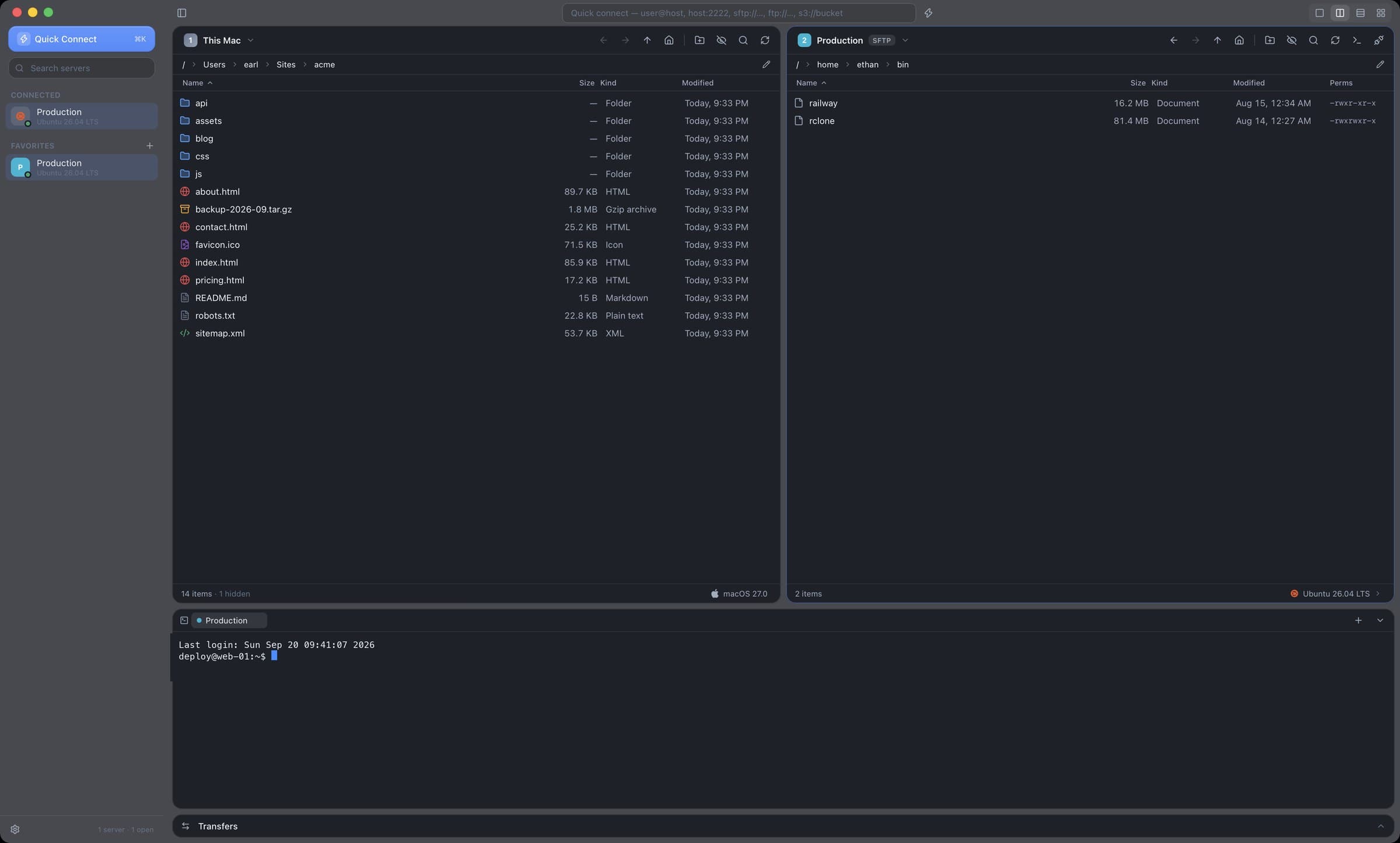
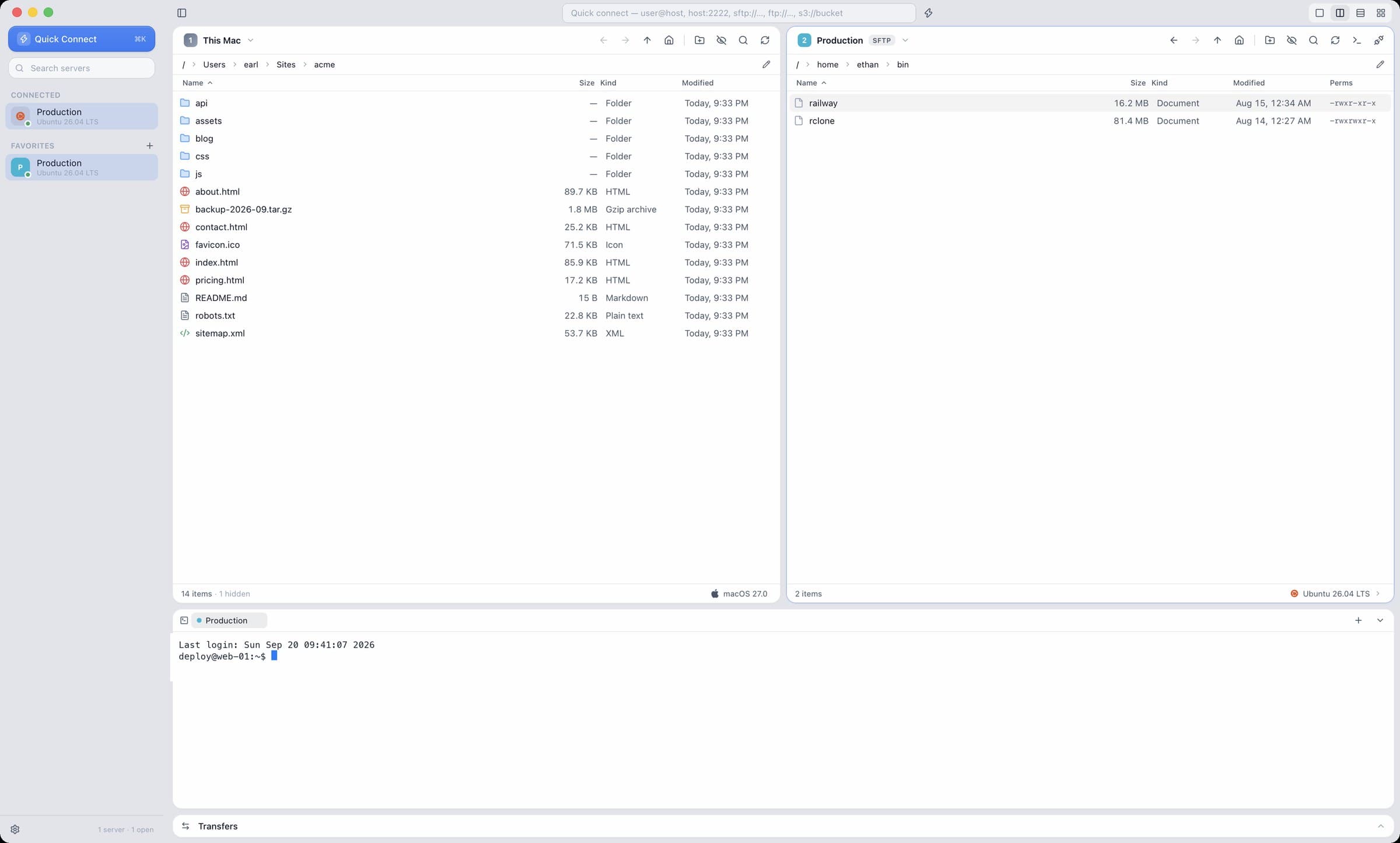
SFTP, FTP, FTPS and S3 on one side. Whatever is answering on the other.
Built for people who live on servers.
Everything you'd expect from a serious file-transfer client, designed to feel at home on a Mac — and just as good on Windows.
Drag it there. Watch it go.
Local to server, server to local, server to server — drop a selection on any pane and it lands in the queue with its own progress, speed and ETA. Several run at once. Folders are counted as they go. If something already exists on the other side, Ferry asks — replace, skip or keep both — instead of guessing.
- Parallel transfers, one queue
- Speed and ETA per item
- Replace / skip / keep both
- Timestamps preserved
- Copy to… several servers at once
- ⌘J shows or hides the queue
One pane, or four. Any server in any of them.
Split the window into 1, 2, 3 or 4 resizable panes. Each shows any open connection — or your own machine — with the server's name, colour and OS on it. Try the buttons: this is the real layout logic, just smaller.
Drop into a shell. Same connection, zero setup.
Press ⌘T on any SFTP server and you're at a prompt over the tunnel you already have. No second login, no second host-key dance, no juggling a separate terminal app. Untar what you just uploaded, fix the permissions, restart the thing, tail the log.
One tab per server, in a drawer you can resize or tuck away.
It knows Ubuntu from FreeBSD. And R2 from S3.
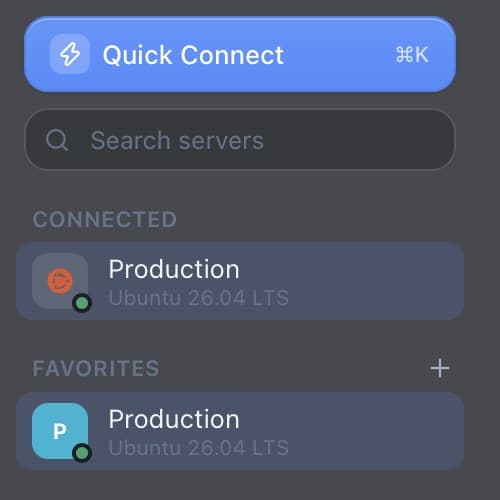
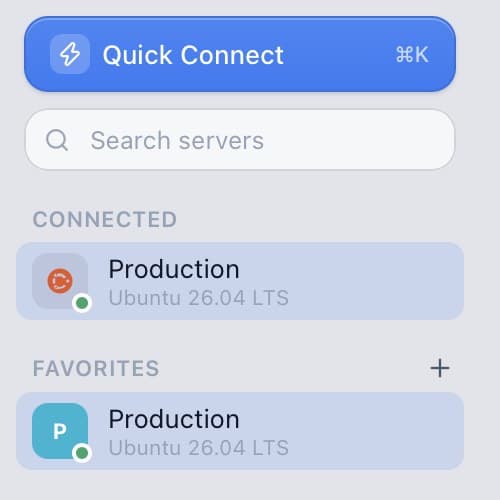
The moment you connect, Ferry asks the other end what it is — distribution, version, kernel, architecture, or which S3 provider is answering — and puts the answer, with the right logo, in the status bar and the sidebar. Four panes open? You'll never confuse staging with production again.
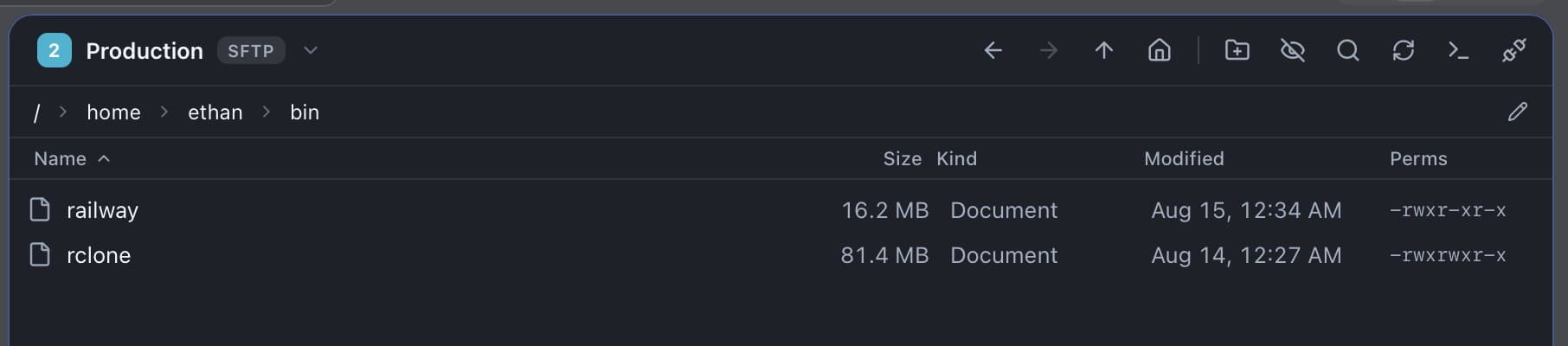
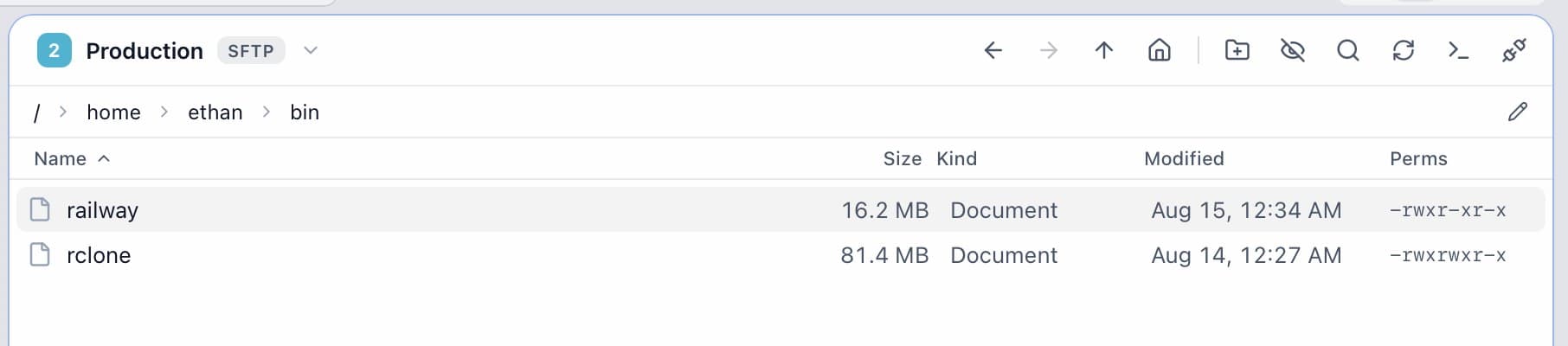


chmod without the arithmetic.
A proper rwx grid with the octal right next to it — tick a box and the number updates, type a number and the boxes follow. Presets for the usual suspects, and one switch to apply the change to everything inside a folder.
Fix the config where it lives.
⌘E opens any text file on any server in a real editor — syntax highlighting for every common language, search, folding — and ⌘S writes it straight back over the same connection, permissions intact. Markdown gets a live preview. Space is Quick Look: images, video and audio in Ferry's own player, Markdown and HTML rendered, code highlighted, ← → through the folder.
Groups, colours, and a ⌘K for everything else.
Nested groups with colours so the sidebar reads at a glance. Quick Connect for a one-off that saves nothing. And an address bar that takes whatever you throw at it — user@host, host:2222, sftp://…, ftp://…, s3://bucket.
Groups nest as deep as you like, each with a colour that carries onto the pane header.
Quick Connect opens a one-off session and forgets it when you close it.
Search filters the whole tree as you type.
From FileZilla to Ferry in one go.
Ferry looks for FileZilla's site manager, Cyberduck's bookmarks, WinSCP's settings and your ~/.ssh/config on its own. Tick the ones you want and they're in the sidebar, groups and all. Everything can also leave again as a single .ferry file, passwords sealed with a passphrase.
Railway exposes every service over SSH. Run railway ssh config once and Ferry imports the services straight from your SSH config — Railway badge, terminal and transfers to the container's volume included.
Light, dark, or whatever your Mac is doing.
Sidebar vibrancy like Finder, glass menus and controls, your accent colour — and full-window Liquid Glass on macOS 26 if you're into that. Mica on Windows 11. It follows the system, or you pick. Drag the handle.
Hands stay on the keys.
⌘ on the Mac, Ctrl on Windows.
Your passwords stay on your computer.
Site passwords live in an AES-256-GCM vault. Its key is the single item Ferry keeps in the macOS Keychain or Windows Credential Manager — created by Ferry, so you're never nagged. Exports can carry passwords sealed with a passphrase you choose (Argon2id).
Questions, answered.
What does Ferry cost?+
$29, once, for 3 computers — Mac and Windows — with every 1.x update included. Every download is a 14-day full-featured trial first; no card, no account. Usage statistics are off unless you turn them on.
Which protocols?+
SFTP (password, key file, OpenSSH certificate or ssh-agent), FTP, FTPS explicit and implicit, and S3 — Amazon S3 plus anything S3-compatible such as MinIO, Cloudflare R2, Backblaze B2, Wasabi and DigitalOcean Spaces.
Where are my passwords stored?+
In an AES-256-GCM encrypted vault on your computer. The vault key is the one and only item Ferry keeps in the macOS Keychain or Windows Credential Manager, and it's created by Ferry itself — so no keychain prompts.
Can I edit files in Ferry?+
Yes. ⌘E opens any text file in the built-in editor — syntax highlighting, search, folding — and ⌘S saves it straight back to the server with its permissions intact. Markdown gets a live preview. Opening files in your own editor and uploading on save is on the roadmap.
Can I move to a new computer?+
Export your servers as a single .ferry file — with passwords if you like, sealed with a passphrase — and import it on the other side. Your license covers 3 computers; free one up from Settings → License or your account page.
Does it update itself?+
Yes. Ferry checks for signed updates on launch and every few hours, and installs on restart. You can turn that off in Settings.
Windows?+
Yes — same app, same features, Mica window material on Windows 11. Grab the installer on the download page.
Pricing details on the pricing page.
Ready when you are.
Download Ferry and connect to your first server in under a minute. Free for 14 days, then $29 once for 3 computers. Signed and notarized, no account.
Something missing? Tell Earl Balai, or see what's coming.